
 Interactive UI
Interactive by design
Bring navigation, CTAs, hotspots, triggers, and state changes into the visual experience—not as an afterthought.
Discover, customize, and deliver living web experiences—from animated typography and interactive hero sections to responsive product stories and reusable UI components. Explore what works before you commit.

A Runtime Component is not simply an image, video, or design mockup. It is a working visual experience with editable content, responsive behavior, and—where supported—interaction, motion, and lifecycle logic.
Interactive UIBring navigation, CTAs, hotspots, triggers, and state changes into the visual experience—not as an afterthought.
 Every device
Preview Desktop, Tablet, and Mobile. Adapt typography, layout, spacing, and composition for the context.
 Motion
Combine animated type, visual transitions, and timed behavior with live web content and actions.
 Parameters
Replace copy, adjust visual parameters, try presets, and create saved variants without rebuilding the component from scratch.
 Layers
Use individual components or build richer compositions from reusable visual and interactive layers.
 Web · Embed
Move from creative exploration to validation and integration, with delivery options designed for different workflows.
Traditional assets often reveal their limitations only after you import them into a project. VINSTOCK lets you explore and test a component in its own editor first. Available controls depend on the component.
Experience first. Commitment later. Explore a component’s real behavior and creative range before purchasing. No need to begin by rebuilding the design in your own project.
A single Runtime Component can support multiple creative outcomes. Change the content, refine the visual language, switch presets, and save variants for different campaigns, brands, or layouts.
Where available, AI-assisted editing and guided randomization help you discover new directions while keeping the component’s underlying capabilities intact.
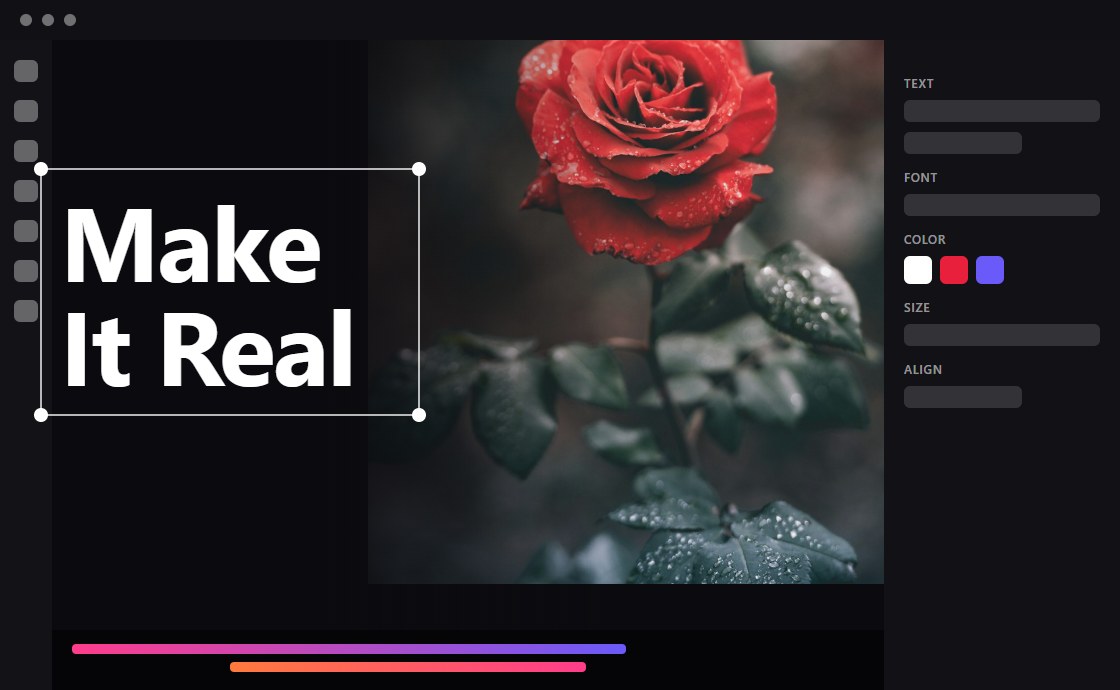

A focused, reusable unit such as an animated headline, CTA, product visual, navigation element, or hero experience.
See delivery options ↗
Combine visual layers and interactive elements into a coherent experience without requiring a video-style editing timeline.
See delivery options ↗
Work with a coordinated group of components designed to share a visual direction across multiple touchpoints.
See delivery options ↗VINSTOCK helps bridge the gap between creative intent and implementation. Configure the target, validate the result, and choose a suitable delivery format.
| Stage | What you can do | Why it matters |
|---|---|---|
| Configure | Select the target environment and delivery approach. | Fit the component to your project. |
| Validate | Review compatibility and readiness before integration. | Catch issues before deployment. |
| Deliver | Use the supported embed, package, or wrapper output. | Bring the experience into your existing workflow. |
| Manage | Use development and production governance where supported. | Control changes and production stability. |
Delivery formats and integration capabilities vary by component and configuration.
VINSTOCK is not asking you to replace your design system, website builder, or development stack. It gives you reusable runtime experiences you can evaluate, adapt, and bring into the work you already do.

Explore working interactions, responsive states, and motion—not just static representations of them.

Start from configurable components and select an integration approach aligned with the project.

Create distinctive web stories and product experiences without starting every execution from zero.
Discover living components, explore what they can do, and deliver an interactive experience that fits your next project.