






Editable HTML Component
One source. Adaptable to many outputs.
Editable HTML components for web, motion, graphics and print. Discover. Customize. Experience. Deliver.
Learn the core product experiences and choose the workflow that fits what you want to deliver.
See what runtime components can do. Learn the tools and workflows.
Discover a different way to create, customize, and deliver.
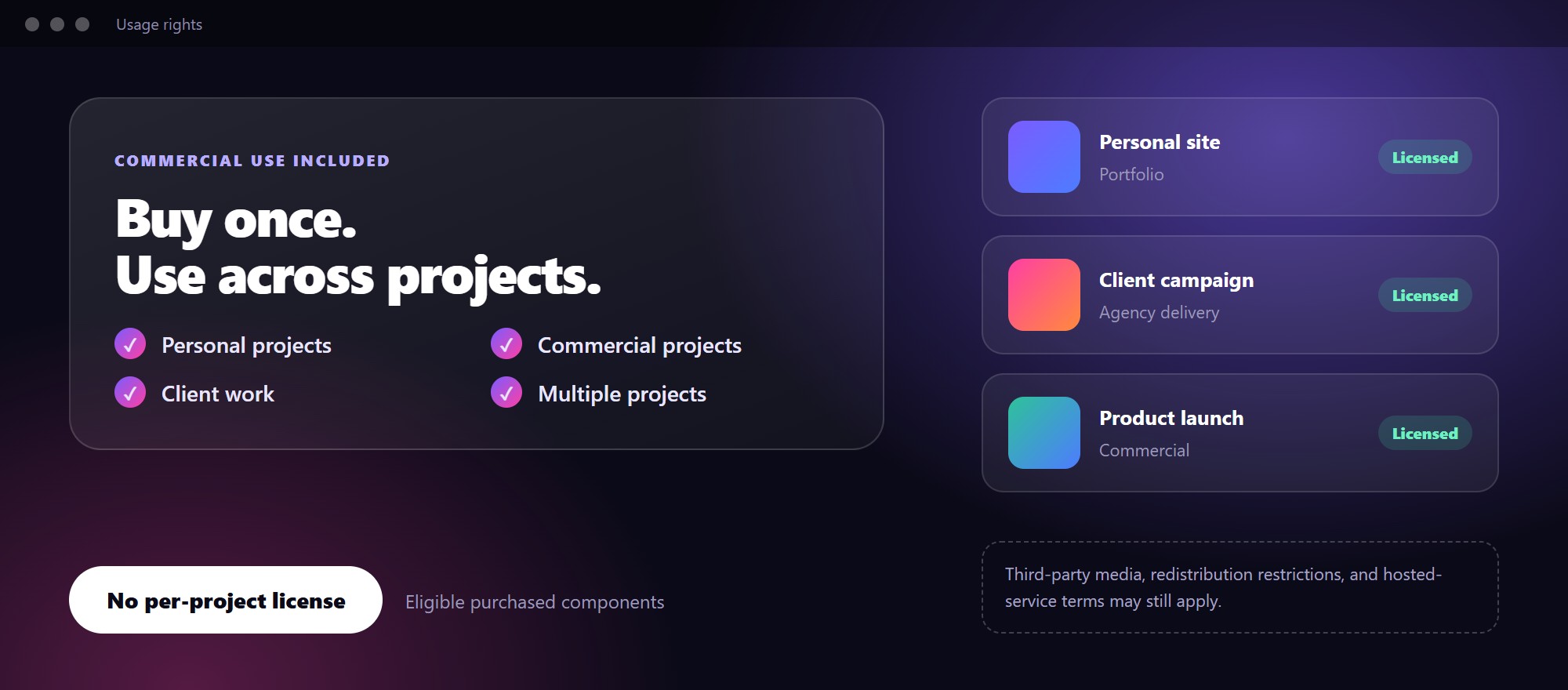
Commercial use is included in the proposed VINSTOCK purchase policy. Use eligible purchased components in personal, commercial, and client projects without a separate per-project license. Third-party media, redistribution restrictions, and hosted-service terms may still apply.
From live inspiration to practical documentation and fresh perspectives.

Explore real applications of editable runtime components, from interactive websites to creative motion.
Explore Use Cases ↗
Understand the products, editors, exporters, delivery formats, and workflows behind VINSTOCK.
Explore Guides ↗
Explore ideas about runtime design, AI generation, creative reuse, and evolving production workflows.
Read Articles ↗A unified component library. Multiple creative workflows.
One source. Adaptable to many outputs.




Discover, customize, validate, and deliver. Learn how the Component Editor, HTML Composer, Motion Asset Exporter, and Motion Studio work together.
Explore Product Guides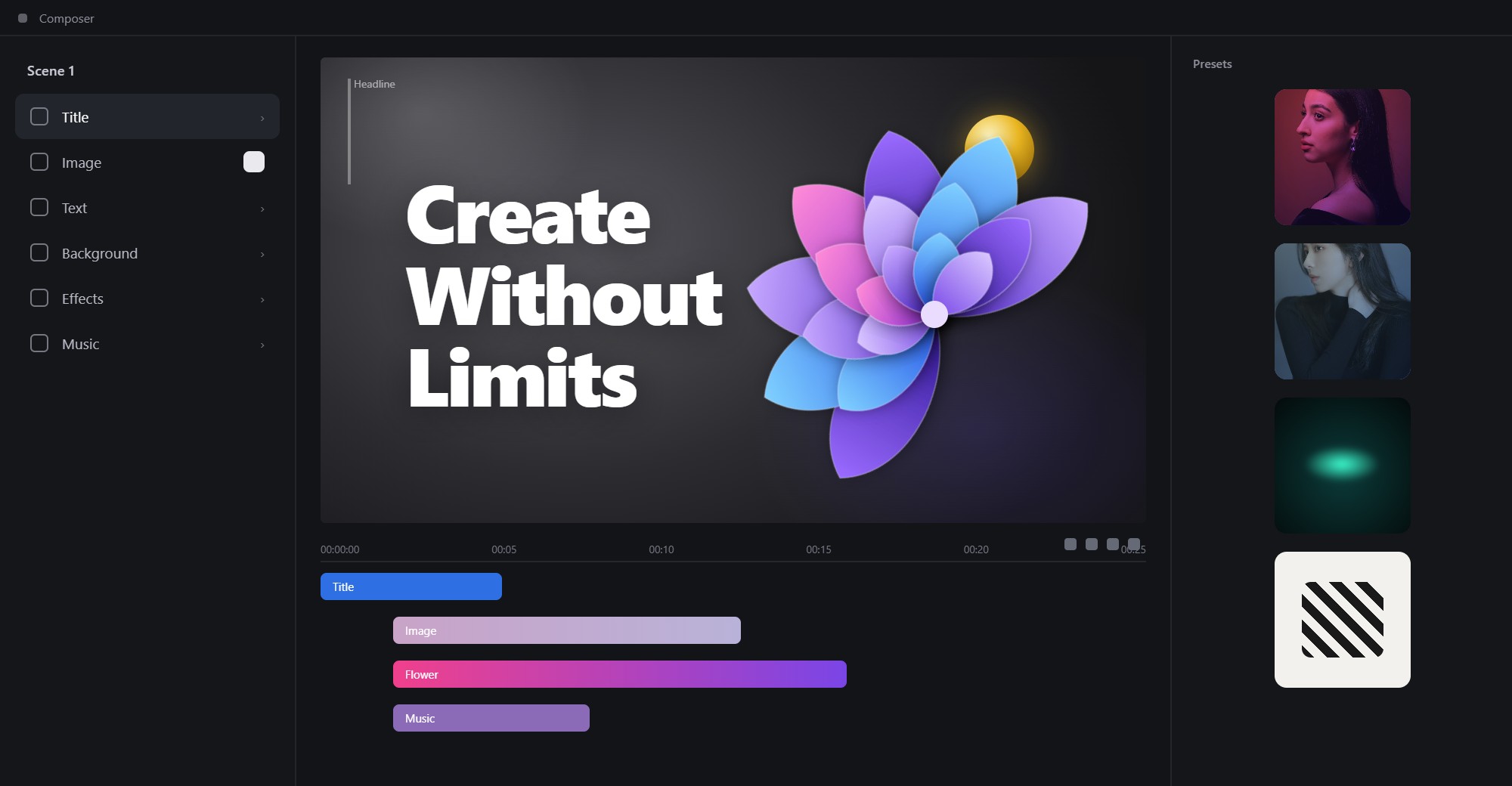
The same component can be delivered in different formats —
based on your creative and technical needs.
Use purchased components in personal, commercial, and client projects without buying a separate license for each project. Subject to VINSTOCK usage terms and third-party content rights.
Learn About Usage RightsWhether you build for the web, create motion graphics, design campaigns, or prepare print materials, VINSTOCK gives you a faster way from idea to delivery.
Integrate runtime components into projects.
Explore interactive experiences beyond static mockups.
Customize and export transparent motion assets.
Compose HTML and media in Motion Studio.
Adapt visuals for digital and print destinations.
Reuse creative components across client work.
These preview guide summaries represent the recommended Resources information architecture. Replace the anchors with real guide pages when published.
Traditional creation, AI generation, and editable runtime components: different starting points and complementary workflows.
Discover → Edit → Validate → Deliver.
CDN, adapters, dependency readiness, validation, and runtime configuration.
Editable, responsive HTML components, integration, events, lifecycle, and delivery.
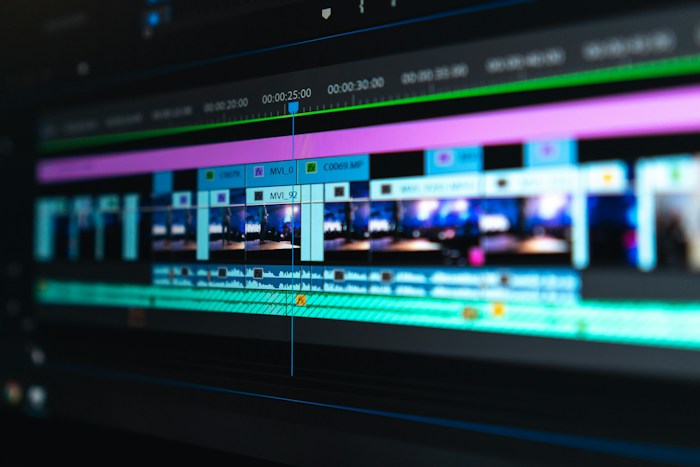
Build multimedia motion projects in one place: arrange scenes, timing and components, then export a finished video.
Arrange components, synchronize timelines, and create combined HTML compositions.
Export transparent video and PNG sequences from motion components, ready for social media, campaigns and digital output.
Step through the video editor: importing components, timeline editing, previewing and rendering the final video.
Commercial use, multi-project rights, client delivery, third-party media, redistribution restrictions, and service terms.
Suggested policy copy; legal terms must be finalized before publication.
Explore the components behind the ideas and bring them into your own creative workflow.