
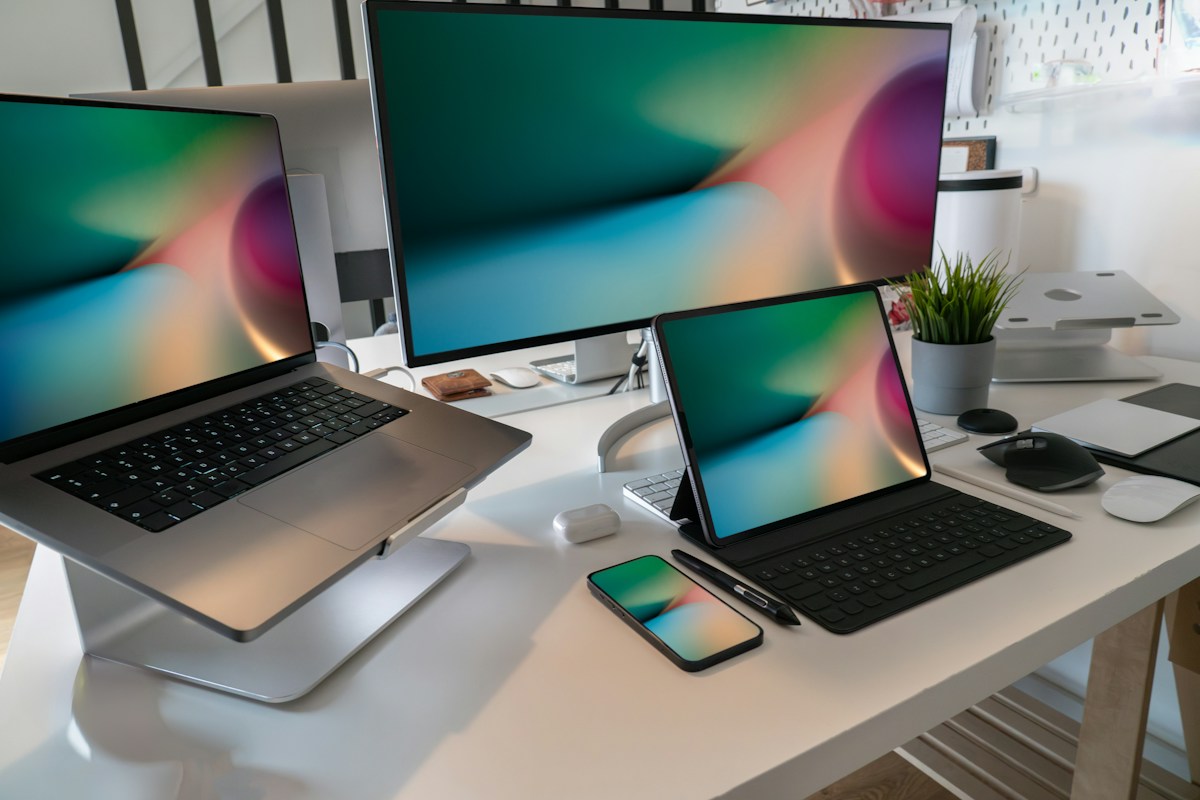
 Every
screen.
One story. Every screen.
Adapt typography, framing, spacing, and calls to action for desktop, tablet, and mobile. A considered layout adjusts to the device instead of simply shrinking.
Present products through responsive layouts, motion, and interactive details. Turn a product display into an experience people can explore.

Most product pages begin with familiar ingredients: a hero image, a headline, a list of features, and a call to action. These elements communicate a lot, but they cannot always show how a product feels, changes, or responds.
A richer presentation uses movement to guide attention, interaction to invite discovery, and responsive composition to keep the story coherent across devices.
It is not about making everything move. It is about making each moment useful.

Make room for the product to adapt, move, and respond in ways that help people understand it.
Every
screen.Adapt typography, framing, spacing, and calls to action for desktop, tablet, and mobile. A considered layout adjusts to the device instead of simply shrinking.
In
motion.Use transitions, reveals, and motion typography to highlight a product’s shape, features, and benefits in a deliberate sequence.
Touch to
explore.Offer meaningful controls through hotspots, comparisons, variant selectors, and interactive calls to action.
A static image tells people what a product looks like. An interactive experience lets them discover why it matters.
Good product experiences balance clarity and exploration. The visitor should understand the offer immediately, then discover more detail when they choose. Motion can create hierarchy; interaction can reveal depth; responsive behavior can preserve meaning.
Change the headline, switch device sizes, and preview a simple motion treatment. This conceptual demo is not the production VINSTOCK editor.
Thoughtfully designed for the moments that matter.
Explore the details ↗Concept demo: In a real component, editable parameters depend on its declared capabilities. Interactive behavior and output support vary by component.
In a traditional handoff, a design can describe how an experience should look while the working behavior is implemented later. An AI-generated image or video may provide a compelling direction, but it does not automatically become a reusable, interactive web component.
VINSTOCK offers another starting point: a component that already runs. Explore it in the browser, change supported parameters, check how it responds, and use compatible elements in a larger composition.
The goal is to connect exploration with making, while choosing the right workflow for each output.
Where supported, editable HTML components can connect with composition and motion workflows instead of treating every output as an unrelated asset.
Not every component supports every route. Compatibility, media requirements, and export settings depend on the component and selected tool.
A product hero often has only a few seconds to earn attention. Motion can introduce a product, reveal its defining feature, and then let the page settle into a readable state.
The most useful motion does not compete with the message; it helps deliver it. Interactive details can extend that first moment by letting visitors select a finish, explore a feature, compare options, or reveal more information.
Keep the message clear. Let people choose how far they explore. Make every transition earn its place.
Discover editable runtime components for product showcases, landing pages, interactive storytelling, and motion-rich presentations.